
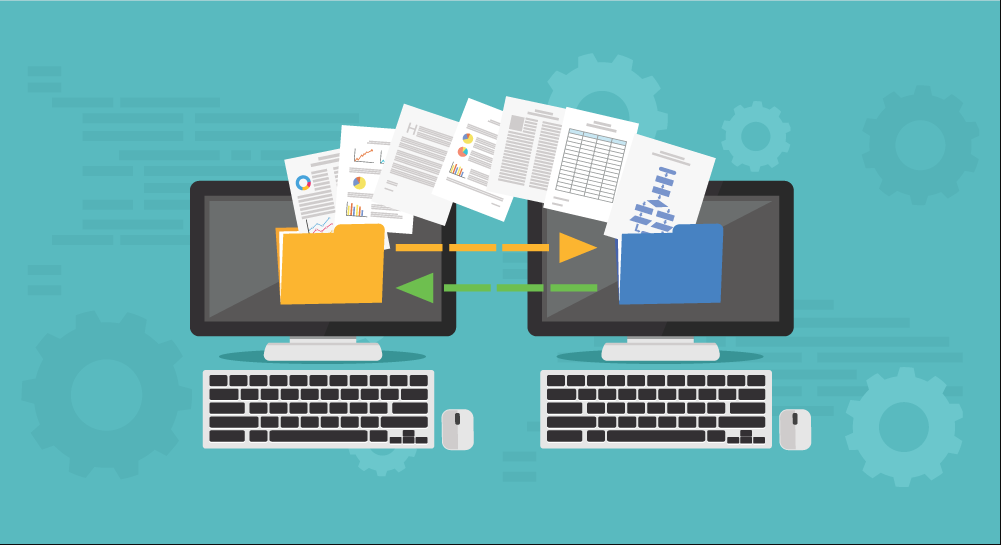
In today’s rapidly evolving technological landscape, businesses constantly seek ways to improve efficiency and optimize operations. One critical aspect that often arises in this pursuit is application migration. Application migration involves the transfer of applications and their associated data from one environment to another. This could mean moving applications from on-premises servers to the cloud, upgrading to a newer version of the same application, or even switching to an entirely different software solution. In this article, we’ll delve into the world of application migration, exploring its significance, challenges, and the right approach to ensure a seamless transition.
Understanding Application Migration
Application migration is the process of transferring software applications, along with their data and other relevant components, from one environment to another. This can involve moving applications from physical servers to virtual machines, transitioning from on-premises data centers to cloud platforms, or even changing the underlying infrastructure.
Importance in Modern Business
In today’s digital landscape, businesses rely heavily on technology to streamline processes and deliver value to customers. Application migration plays a pivotal role in keeping up with technological advancements, enabling companies to leverage the benefits of newer infrastructure, improved security measures, and enhanced performance.
Types of Application Migration
When embarking on an application migration journey, there are different approaches to consider:
Lift-and-Shift
Lift-and-shift migration involves transferring applications from one environment to another without significant modifications. While this approach offers quick migration, it might not fully exploit the capabilities of the target environment.
Replatforming
Replatforming, also known as “lift-and-optimize,” entails moving applications to a new environment with some degree of modification. This approach aims to maximize the benefits of the new platform while minimizing disruptions.
Refactoring
Refactoring, or rewriting, migration involves redesigning and rewriting applications to align with the new environment’s architecture. This approach offers the highest level of optimization but requires substantial time and resources.
Key Steps for Successful Application Migration
Assessing Current State
Before migration, it’s crucial to assess your current application landscape, including dependencies, performance bottlenecks, and security vulnerabilities.
Setting Clear Objectives
Define what you aim to achieve with the migration. Whether it’s improved performance, scalability, or cost savings, clear objectives guide the migration strategy.
Choosing the Right Migration Strategy
Based on your assessment and objectives, choose the appropriate migration strategy. This could involve selecting between lift-and-shift, replatforming, or refactoring.
Testing and Validation
Thoroughly test the migration in a controlled environment to identify and address any issues before the actual migration. Validation ensures a smoother transition.
Challenges in Application Migration
Data Security and Privacy
During migration, sensitive data must be protected from breaches and unauthorized access. Ensuring data security and privacy compliance is paramount.
Compatibility Issues
Compatibility between the application, the target environment, and other integrated systems can pose challenges. Addressing compatibility issues is essential to avoid functionality gaps.
Downtime and Disruptions
Migration often involves downtime, which can impact business operations. Minimizing downtime and planning for disruptions are critical aspects of successful migration.
Best Practices for Seamless Migration
Thorough Planning and Preparation
A well-defined migration plan that outlines tasks, responsibilities, and timelines is essential. Proper preparation minimizes risks and unexpected hurdles.
Regular Backups
Create backups of your data and applications before migration. This ensures that, in case of any issues, you have a fallback option to revert to.
Monitoring and Optimization
Continuously monitor the migrated applications post-migration. Optimize performance, address any new challenges, and ensure a seamless user experience.
Choosing the Right Tools and Partners
Automation Tools
Automation tools can streamline the migration process by reducing manual efforts and automating repetitive tasks.
Cloud Service Providers
If migrating to the cloud, choose a reliable cloud service provider that aligns with your business needs and offers the required level of support and security.
Realizing the Benefits of Migration
Improved Scalability
Modern environments offer better scalability, allowing applications to handle increased workloads without compromising performance.
Cost Savings
Migrating to more efficient platforms can lead to cost savings in terms of hardware, maintenance, and operational expenses.
Enhanced Performance
Newer environments often provide better performance capabilities, resulting in faster response times and improved user satisfaction.
Common Mistakes to Avoid
Neglecting Compatibility Testing
Failing to thoroughly test the compatibility between the application and the target environment can lead to functionality issues post-migration.
Underestimating Downtime
Inadequate planning for downtime can disrupt business operations and lead to financial losses. Proper planning is essential to mitigate this risk.
Conclusion
Application migration is a strategic undertaking that holds the potential to transform businesses. By embracing the right migration strategy, businesses can unlock improved performance, enhanced scalability, and cost savings. However, successful migration requires meticulous planning, thorough testing, and a commitment to addressing challenges as they arise.
FAQs
Is application migration necessary for all businesses?
Application migration’s necessity depends on the business’s technology goals and growth plans. Assess your specific needs before deciding.
What are the potential risks of application migration?
Risks include data breaches, loss of functionality, and extended downtime. Mitigate these risks through careful planning and execution.
How long does the application migration process usually take?
The duration varies based on factors like application complexity, data volume, and chosen migration strategy. It could range from weeks to several months.
Can I migrate applications to any cloud platform?
While it’s possible to migrate applications to various cloud platforms, careful consideration of compatibility, features, and pricing is essential.
What role does scalability play in application migration?
Scalability is crucial, as it ensures that your applications can handle increased workloads as your business grows, without compromising performance
